why Adgora ads show clicks but no conversions
Learn why Adgora ads show clicks but no conversions, from low-intent traffic and slow landing pages to offer mismatch and form friction.
On this page0%
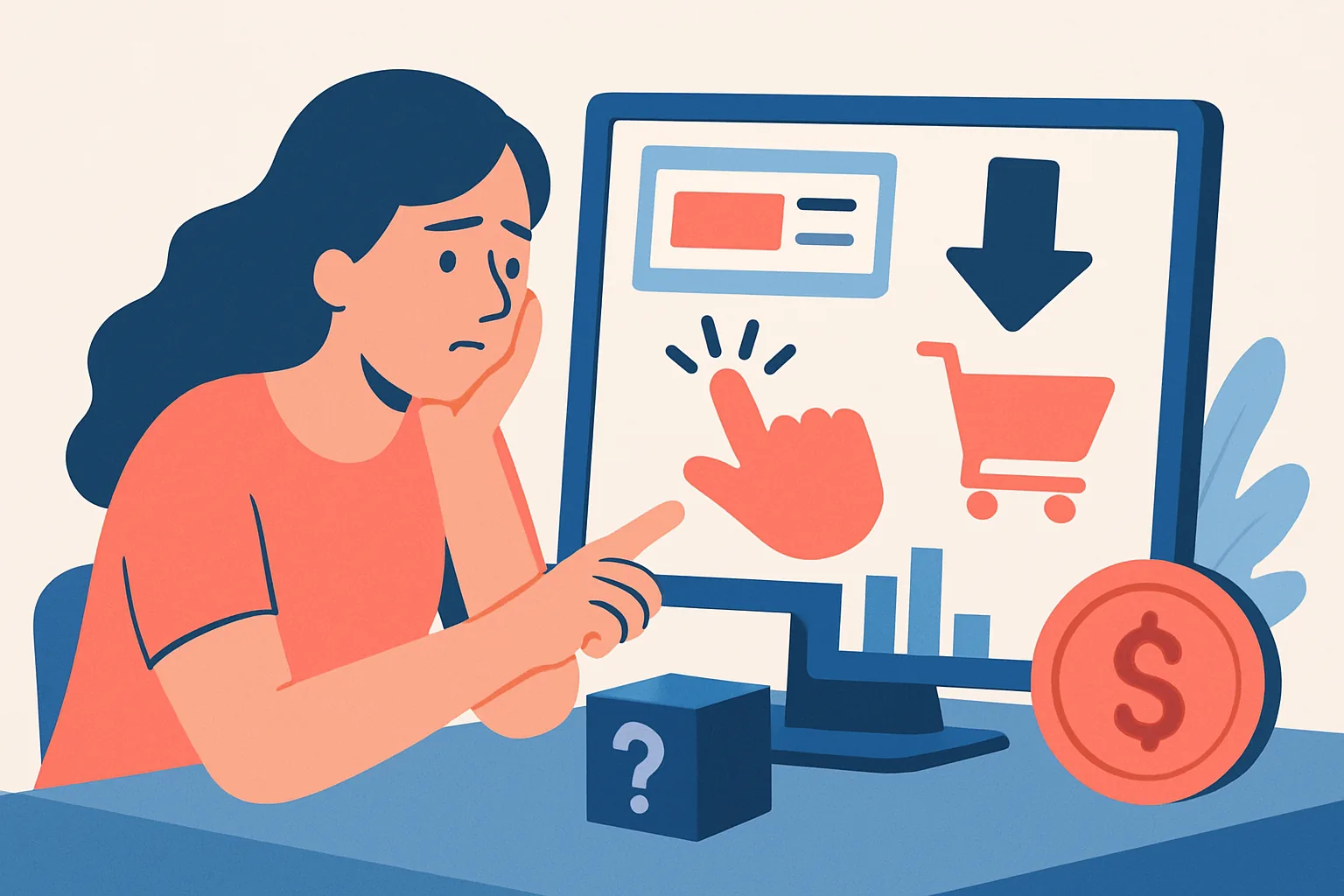
Are the clicks you see actually from users who can convert?
A click is not a buyer. That sounds obvious, yet it is the first place many Adgora accounts go wrong. If a placement pulls in curious taps, accidental taps, or clicks from users who never wanted the offer, the dashboard can look busy while the conversion column stays flat.
Start with the simplest split: intent. A mobile ad that sits too close to a button, a content block that attracts readers who want free information, or a segment built around broad interests can all generate clicks without purchase intent. In one campaign, a cheap click from a low-intent placement may be worse than a pricier click from a tighter audience, because the cheap click never had a real chance.
Watch device and audience mix. If most clicks come from a segment that never converts, the problem may not be the landing page at all. It may be the traffic source itself. That is where the phrase "why Adgora ads show clicks but no conversions" stops being a reporting puzzle and becomes a targeting question.
Two practical checks help here. First, compare clicks by placement and device, not just by campaign total. Second, look for patterns like a high click rate on one placement with zero form starts, zero checkout starts, and short visit duration. Those are not good signs.
Accidental taps happen. So do curiosity clicks. A person who clicks because the creative is loud, vague, or bait-like may never be the person who completes a form or buys a product. If a campaign produces 100 clicks and no conversions, the first question is not “what broke?” It is “who clicked?”
Is the landing page turning Adgora traffic away before the offer loads?
Yes, sometimes the problem starts after the click and before the page finishes loading. A slow page can lose visitors in the first 3 seconds, and a mobile layout that shifts while loading can make the main button hard to find or impossible to tap cleanly. The click happened, but the visitor left before the offer was even visible.
Look at load time on real devices, not only on a developer laptop. A page that feels fine on broadband can crawl on mid-range phones or weak connections. If the hero section appears late, the visitor may see a blank page, a spinner, or a jumpy layout and leave. That is not a traffic problem. That is a page problem.
One concrete test helps: open the landing page on a phone, then wait only 5 seconds before deciding whether the page already explains the offer. If the headline is still unclear, the form is below the fold, or the button is hidden behind a pop-up, the page is making the user work too hard. Users rarely reward that with patience.
Broken first interactions matter too. A button that does nothing, a form field that refuses input, or a cookie banner that blocks the next step can stop the journey before it begins. Small failures cause large losses. This is especially painful because Adgora traffic may be perfectly usable, yet the page does not give it a clean way forward.
Check mobile layout first, then desktop. On many accounts, the first clue is simple: the conversion rate drops sharply on one device while clicks stay normal. When that happens, the page deserves the blame before the campaign does.
Does the offer match what the ad promised?
Message match is plain old trust. If the ad promises one thing and the landing page shows another, people back out fast. A visitor who clicked for a 20% discount, a free demo, or same-day access will not stay long if the page changes the deal or hides the condition.
The mismatch can be subtle. The ad may sound direct, but the page may open with brand history, long copy, or a generic headline that never repeats the promise. That gap is enough to create doubt. Users do not want to decode the offer twice.
Use the first screen as a mirror. The headline, subhead, price, eligibility, and next step should confirm the ad within seconds. If the ad says one thing and the page says “learn more” before explaining the actual offer, the user has to do the mental work that the page should have done.
Here is a good rule: if the ad mentions a limit, the page should mention the same limit; if the ad mentions availability, the page should show it immediately. If the ad says “book a call,” the page should not bury the calendar under five paragraphs. Those mismatches create exits, not leads.
For teams also running other formats, a cross-reference helps. If you are testing the same offer across banner placements, the क्रिप्टोक्यूरेंसी बैनर विज्ञापन गाइड can help you keep the promise consistent across creative and page. The point is simple: the click should feel like the first step of one story, not the start of a different one.
Are visitors dropping off because the conversion path is too long or too demanding?
Many campaigns lose people in the middle, not at the start. A 9-field form, a forced account creation step, or a checkout that asks for too much too soon can kill completions even when tracking works perfectly. The user did not disappear. The path did.
Count the steps from click to completion. One step is better than three. Three is better than seven. If the path includes email verification, password creation, phone confirmation, and a final submit action, each extra demand becomes a new chance to quit. That is especially true on mobile, where typing is slower and patience is shorter.
Forms fail for ordinary reasons. Labels are unclear. Required fields are hidden. Error messages appear only after submit. A user who wants to finish may still stop if the page makes them guess what belongs in each box. Friction like that lowers completion rates even when the traffic is relevant.
Try a field audit. Mark each field as essential or optional. If you cannot explain why a field is required in one sentence, remove it or move it later. Shorter is often better. A simpler path can raise completions without changing a single ad.
For e-commerce teams, the same logic applies to carts and checkout. A page that asks for unnecessary account creation can lose buyers who were ready to purchase in 2 minutes. If you need more context on that format, see ई-कॉमर्स स्टोर्स के लिए क्रिप्टो विज्ञापन. The principle stays the same: do not make the visitor prove interest twice.
Could your conversion be happening later in a different channel?
Yes, and this is one of the easiest ways to misread Adgora performance. A user clicks an ad, leaves, comes back through direct traffic or email, then converts later. In that case, Adgora created the first touch, but another channel received the last recorded conversion.
Attribution models can make this look worse than it is. If your reporting credits only the final channel, Adgora may show clicks without conversions even though it helped start the journey. That can happen with longer decisions, repeat visits, and products that need comparison before purchase.
Look for repeat visitors who return within a few days. Check whether people land from Adgora, browse, leave, and then convert after a branded search or email click. The trail matters. Without it, you may cut a campaign that is actually feeding later revenue.
One practical move is to compare assisted behavior against last-click behavior. If Adgora visitors often revisit, view the pricing page, or start a form on the first visit but finish later from another channel, the campaign is not empty. It is delayed. That difference matters when decisions are made in a week, not a quarter.
If your team also uses push traffic, the same question applies across channels. A visitor might see an ad, ignore it, then convert from a push message later. For that setup, the क्रिप्टो विज्ञापन नेटवर्क पुश विज्ञापन guide can help you think through channel overlap. The issue is not always lack of conversion. Sometimes it is conversion elsewhere.
Are you judging performance before enough conversions have time to arrive?
New campaigns often look worse than they are. A 48-hour snapshot can be misleading when the audience needs time to compare, ask for approval, or return later with intent. Early data is noisy. It should be treated carefully.
This is not just patience for patience’s sake. Some offers naturally take longer. A B2B lead may need internal approval. A higher-ticket purchase may need a second visit. A user can click today and convert next week. If you freeze judgment too early, you may mistake delay for failure.
Use a minimum observation window that fits the buying cycle. If conversions usually show up after several days, do not call the campaign dead after one afternoon. That kind of decision can waste good traffic. The data needs time to settle.
New campaigns are especially vulnerable because the first audience slice is small. A few non-converting clicks can make the report look empty, even when the offer is still in motion. One bad hour can dominate the chart. That is not evidence of failure; it is evidence of thin data.
There is also the matter of delayed reporting. Some platforms and analytics stacks do not sync instantly. A conversion can arrive late in the system, and the dashboard may look wrong for a while. If you are making a budget call, wait for the full window before deciding whether Adgora traffic failed.
Which post-click signals show whether the problem is traffic or the funnel?
Post-click signals separate bad traffic from a broken funnel. Start with scroll depth. If users never reach the section with the offer, they are either leaving too soon or not seeing anything worth staying for. Then check time on page. A few seconds may point to poor traffic or a page that disappoints instantly.
Form-start rate is even more useful than final conversion rate. If visitors click the button but never begin the form, the issue may be the promise, the design, or the first field. If they start the form and abandon on field 3, the funnel is asking too much. Those are different problems, and they need different fixes.
Repeat visits matter too. A visitor who comes back twice and still does not convert may be comparing options, while a visitor who bounces after one view may never have been interested. Track both. The pattern tells you whether the click brought curiosity, intent, or confusion.
Here is a simple diagnostic table you can use before changing the campaign:
| Signal | What it suggests | Next check |
|---|---|---|
| High clicks, zero form starts | Offer mismatch or weak landing page | Headline, first screen, page load |
| Form starts, low submits | Too many fields or unclear requirements | Reduce steps, simplify errors |
| Good engagement, no conversions | Attribution delay or channel shift | Review later visits and other channels |
| Mobile clicks, desktop conversions | Mobile friction | Test mobile layout and button flow |
Use the table against real sessions, not assumptions. A single screen recording can reveal a hidden banner, a broken button, or a form field that blocks progress on one browser. One minute of video often explains more than ten rows of raw click data.
If you are working with broader targeting changes, review the audience before the offer. The क्रिप्टो विज्ञापन नेटवर्क लक्ष्यीकरण विकल्प गाइड is useful when you need a tighter match between segment and message. That is where the diagnosis often lands: not just in the ad, not just in the page, but in the path between them.
One last check deserves attention: look at the first 10 visits after you launch a campaign. If those visits show short sessions, no scroll, and no form starts, the issue is visible already. Do not wait for the report to tell you what the screen has been saying from the beginning.
Terms in this article
Short definitions from the Adgora glossary.
- Conversion
- The action you are actually paying for — a sale, signup, deposit or install. Conversions are idempotent on Adgora: the same click ID and offer will…
- Offer
- A specific thing being advertised with a defined payout for a defined action — the unit of CPA. See the CPA marketing guide.
- Landing page
- The page a click sends someone to. It has one job: continue the promise the ad made. See landing page optimization.
- Creative
- The actual ad shown — the image, headline, text or video file plus its landing URL. Reviewed before it can serve.
- Attribution
- Deciding which click gets credit for a conversion. On Adgora that is the click ID match, which is why passing it is non-negotiable.
- Conversion rate
- Conversions divided by clicks. Where the landing page and the offer are judged.
Frequently asked questions
Why do Adgora ads sometimes show clicks but no conversions?
Because many clicks are from people with low purchase intent, accidental taps, or users who were never likely to convert. In those cases, the traffic source or placement may be the problem rather than the landing page.
Can the landing page cause visitors to leave before converting?
Yes. Slow load times, mobile layout shifts, hidden buttons, broken forms, or blocking pop-ups can cause users to leave before they even see the offer clearly. If clicks are happening but conversions are not, the page should be checked on real devices.
How does ad-to-page message mismatch hurt conversions?
If the ad promises one thing and the landing page presents something different, visitors lose trust and back out quickly. The headline, offer, and next step should repeat the ad’s promise immediately on the first screen.
Why do too many form fields or steps reduce conversions?
A long or demanding conversion path creates friction and gives users more chances to quit. Fewer fields and fewer steps usually make it easier for visitors to complete the action, especially on mobile.
