How to Set Up S2S Postback Tracking in Adgora
Learn how to set up S2S postback tracking in Adgora for accurate attribution, clean click matching, and reliable conversion tracking.
On this page0%
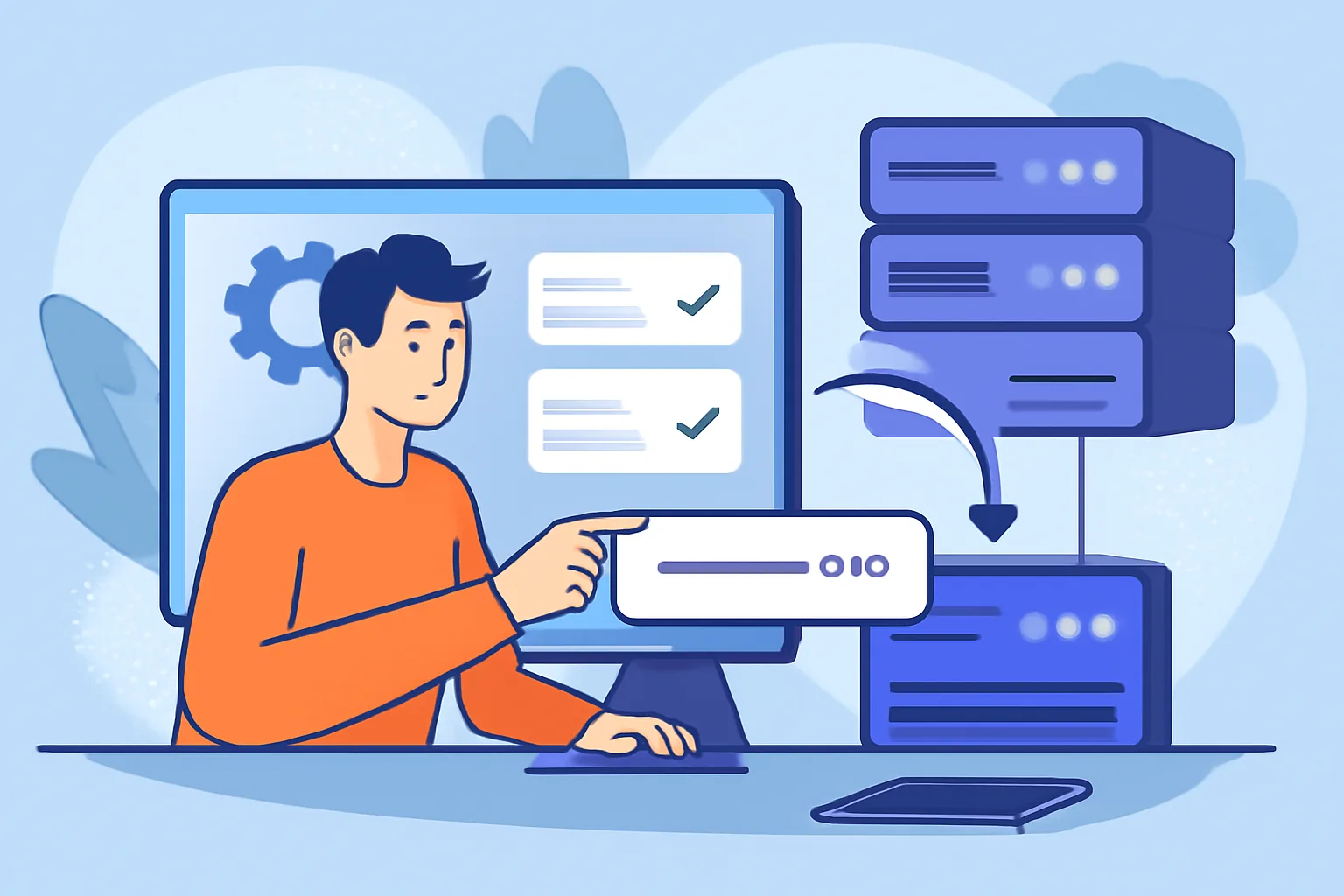
How to Set Up S2S Postback Tracking in Adgora
1. What S2S Postback Tracking Is and Why It Matters
S2S postback tracking sends conversion data from one server to another. No browser cookie is needed for the main handoff. That matters when clicks move fast, a page loads slowly, or a user leaves before the thank-you page appears. If you need accurate attribution, S2S postback is usually the cleaner path.
In plain terms, a click happens first, then a conversion happens later, and the two events are matched by an ID. That ID is passed through the click URL and returned on conversion. The result is better conversion tracking than browser-only methods, which can break when cookies are blocked, scripts fail, or a redirect chain strips data. For a broader ad-tech context, Adgora also keeps a useful ad tech glossary.
There is one practical advantage people notice quickly: fewer “mystery” conversions. A browser pixel might miss mobile users, ad blockers, or page-load errors. S2S postback reduces those gaps. It also helps when the source and the offer platform do not share the same front-end, which is common in affiliate traffic and app installs.
One short note. S2S is not magic. It still depends on correct parameters, clean IDs, and a proper test. Miss one field, and the chain breaks.
2. Prerequisites Before You Start in Adgora
Before you begin, gather four items at minimum: an Adgora account, a campaign or offer ID, the postback URL from your partner network or offer platform, and the click parameter that will carry the unique ID. If the partner uses extra fields such as payout, status, or currency, collect those names too.
You also need access to the destination platform where the conversion will be reported. Sometimes that is an affiliate network, sometimes a direct advertiser, and sometimes a tracker sitting between the two. If the partner team controls the postback endpoint, ask for their exact parameter names instead of guessing. Guessing costs time.
Keep the required tracking parameters in one note before setup begins. Use the names exactly as provided: click ID, conversion value, status, and any source token. A single character mismatch can stop the entire flow. That is especially true for uppercase and lowercase differences.
If you are running crypto advertising, monetization & Ad-Tech guides material across several offers, separate each flow by campaign. One campaign, one click ID format, one test path. That discipline makes later debugging far easier, and it matters even more if you run traffic to different verticals at the same time.
3. How to Create Your Tracking Template in Adgora
Start in Adgora by creating the campaign tracking URL you will place in your traffic source. The URL should include the landing page or offer destination, plus the tokens that will later let you identify the click.
A practical template usually has three parts: the base destination, the campaign identifier, and the pass-through parameters. The pass-through fields are the ones you will send back later through the S2S postback. Keep the naming stable. If you call it click_id in one place and cid in another place without mapping it, the postback may arrive but the conversion will still fail to match.
Here is the logic. The click happens in Adgora, Adgora stores a unique value, and that value is handed off to the offer platform. Later, the partner returns the same value through the postback URL. That is how the click and conversion are linked. Simple on paper. Easy to break in practice.
When you build the template, check that every field is readable by the receiving platform. If the partner expects URL-encoded values, send them that way. If the destination strips parameters after a redirect, use a tracker hop or a final URL that preserves them. These details decide whether your S2S postback works on the first test or after three rounds of fixes.
If your campaign is in a specific niche, the structure still stays the same. For example, dropshipping paid traffic campaigns often need the same click handoff as finance or app traffic. The audience changes. The parameter discipline does not.
Keep the template short enough to inspect by eye. Long strings hide mistakes. One wrong separator, such as an ampersand placed in the wrong spot, can send the entire click to the wrong destination. That mistake is common, and it is annoying.
4. How to Set Up the S2S Postback URL
The S2S postback URL is placed in the partner or network platform where conversions are recorded. You usually enter the Adgora postback endpoint there, then map the partner’s fields to Adgora’s expected fields. The partner must send back the click ID, and often the conversion value and status too.
In most setups, the postback URL contains placeholders for the partner to replace at firing time. A typical flow includes a click ID parameter, a conversion amount or payout field, and a status such as approved, pending, or rejected. If the partner platform names those fields differently, map them before saving. One missing mapping is enough to lose the conversion.
Adgora expects the click ID to match the original click record. If the partner sends the wrong identifier, Adgora cannot match the conversion. The same warning applies to value and status.
Use the exact postback syntax supplied by Adgora or by your account manager. Do not improvise parameter names. If the platform asks for a campaign ID, pass the campaign ID. If it asks for sub IDs, pass the same sub IDs used on the click. This is where many setups fail: the traffic source and the partner platform are both working, but they are speaking different parameter languages.
For readers who want a bigger picture on tracking and monetization, the crypto ad network for publishers article is a useful companion. It shows why clean conversion paths matter when revenue depends on exact attribution.
5. How to Test Conversion Tracking End-to-End
Testing should begin with one live click and one controlled conversion. Open your Adgora tracking URL, confirm that the click lands where it should, then trigger a test conversion from the partner side. If the partner allows a sandbox, use it. If not, use a low-risk test offer and confirm the result manually.
Watch the click record first. You should see the click ID stored in Adgora. Then look for the postback event and the conversion entry. If the conversion appears, check whether the value and status match what you sent. If the conversion appears twice, the partner may be firing the postback more than once, or your callback may be retrying without a deduplication rule.
Logs matter here. Check the partner logs, any tracker logs, and the Adgora report view. A clean test shows three things: one click, one postback, one conversion. Three items, not four. If one step is missing, the gap tells you where to look next.
There are two common test failures. The first is a missing click ID. The second is a redirect that strips the parameter before the offer page loads. If the click ID disappears before the conversion happens, the S2S postback cannot match anything. That is why the test should be done before scaling traffic.
For app-focused campaigns, the same logic applies to mobile app install campaigns. A successful install without a matched postback is still an unattributed event, and unattributed events are hard to optimize.
6. Common S2S Postback Issues and Fixes
Missing click IDs are the most common problem. Fix it by checking the click URL, the redirect chain, and the partner’s stored field name. If the partner expects cid but you sent clickid, the match fails even though the conversion fired. That one is easy to miss.
Incorrect parameter mapping comes next. A value field may be sent into a status field, or a status code may be sent as the payout amount. The report then shows nonsense. Verify each parameter by name, not by position. Names matter more than order in this setup.
Redirect loss can happen when a landing page or tracker strips query strings. One extra redirect can remove the click ID before the partner sees it. Fix the path, or preserve the parameter across the redirect chain. This often shows up when traffic flows through several tools before reaching the offer. Two redirects may work; three may not.
Delayed firing is another problem. Some partners send the postback only after a delay, which can make reports look empty for several minutes or longer. That is not always an error. Check the partner’s timing rules before changing your setup. On the other hand, if the delay is caused by a queue or failed endpoint, the issue needs escalation.
Mismatched currency or status values can distort reporting. If the partner sends EUR but Adgora expects USD, your totals may look wrong. If the partner uses “approved” while your filter only accepts “sale,” the conversion can disappear from the view you are checking. Keep one reference table for the accepted values and compare it against the partner setup line by line.
Sometimes the problem is not the postback at all. The click happened, the postback fired, but the traffic source used a different ID than the partner stored. That is why the tracking template and the postback URL need to be built as a matched pair. One without the other does not help.
7. Best Practices for Reliable Conversion Tracking in Adgora
Use one naming convention for every campaign. If you call the click parameter cid in January, call it cid in February too. The same rule should apply to value, status, and sub IDs. Consistency saves time when you compare reports across several weeks.
Validate every URL before launch. Paste the tracking link into a browser, inspect the redirect, and confirm that the click ID survives to the final destination. Then test the postback URL with a manual event if your partner allows it. One five-minute check can prevent a day of confusion.
Monitor postback health daily during the first week of a new campaign. Look for sudden drops, duplicate conversions, or strange status changes. If a conversion spike appears at 2 a.m. with no matching clicks, that is worth a closer look. Reports often reveal setup mistakes before support tickets do.
Keep your data clean by separating test traffic from live traffic. Mark test click IDs in a note, then exclude them from your optimization decisions. If you use multiple offers or geos, make each tracking path explicit. A campaign for Germany should not share the same tracking pattern as one for Canada unless you have a strong reason and a documented map.
For advertisers comparing channels, the CPC vs CPM vs CPA guide helps frame why accurate tracking matters before budget decisions are made. Bad data makes every model look worse than it is.
Keep an eye on your S2S postback setup even after launch. Postbacks break quietly when a network changes field names, when a partner updates its redirect logic, or when a campaign is duplicated without the same tokens. That is why how to set up S2S postback tracking in Adgora is not a one-time task; it is a setup you verify again after each new offer, each new traffic source, and each change in the partner platform.
Terms in this article
Short definitions from the Adgora glossary.
- Conversion
- The action you are actually paying for — a sale, signup, deposit or install. Conversions are idempotent on Adgora: the same click ID and offer will…
- S2S postback
- Server-to-server conversion reporting: when an action completes, your backend calls the network's URL with the stored click ID. More reliable than…
- Offer
- A specific thing being advertised with a defined payout for a defined action — the unit of CPA. See the CPA marketing guide.
- Attribution
- Deciding which click gets credit for a conversion. On Adgora that is the click ID match, which is why passing it is non-negotiable.
- Landing page
- The page a click sends someone to. It has one job: continue the promise the ad made. See landing page optimization.
- CPC
- Cost per click — you pay only when someone clicks. The bid you set is the most you will pay for a click; the auction often clears lower. Best when…
- CPM
- Cost per mille — the price for one thousand impressions, paid whether or not anyone clicks. You are buying attention rather than actions, which sui…
- CPA
- Cost per action — you pay only when a defined action happens: a sale, a signup, a deposit. The lowest-risk model for the buyer and the highest bar…
Frequently asked questions
What is S2S postback tracking and why does it matter?
S2S postback tracking sends conversion data from one server to another without relying on browser cookies for the main handoff. It helps improve attribution accuracy when cookies are blocked, scripts fail, redirects strip data, or users leave before a thank-you page loads.
What do you need before setting up S2S postback tracking in Adgora?
You need an Adgora account, a campaign or offer ID, the postback URL from your partner network or offer platform, and the click parameter that carries the unique ID. If the partner requires extra fields like payout, status, currency, or source token, collect those too.
How do you create a tracking template in Adgora?
Create a campaign tracking URL that includes the destination and the tokens that will identify the click later. Keep the base destination, campaign identifier, and pass-through parameters consistent so the click ID can be returned and matched in the postback.
How is the S2S postback URL set up?
You place the Adgora postback endpoint in the partner or network platform and map the partner’s fields to Adgora’s expected fields. The partner should send back the click ID, and often the conversion value and status, using the exact syntax Adgora expects.
What are common mistakes that break S2S postback tracking?
Common problems include mismatched parameter names, sending the wrong click ID, incorrect case sensitivity, and missing field mappings. Redirects that strip parameters or using different parameter languages between platforms can also cause conversions not to match.
